Search
-
Loan-Based Split Dollar
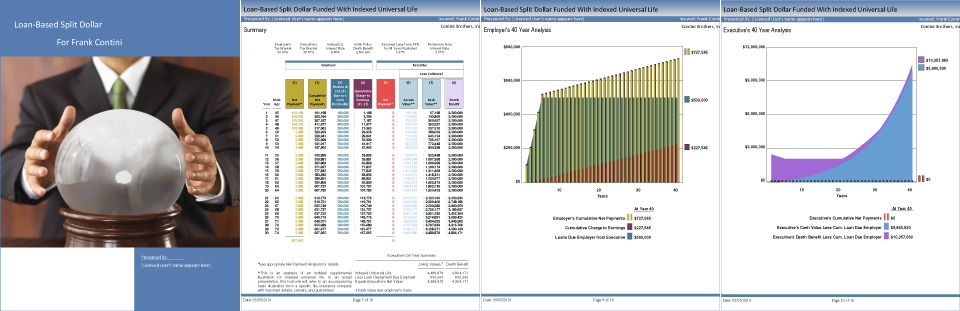
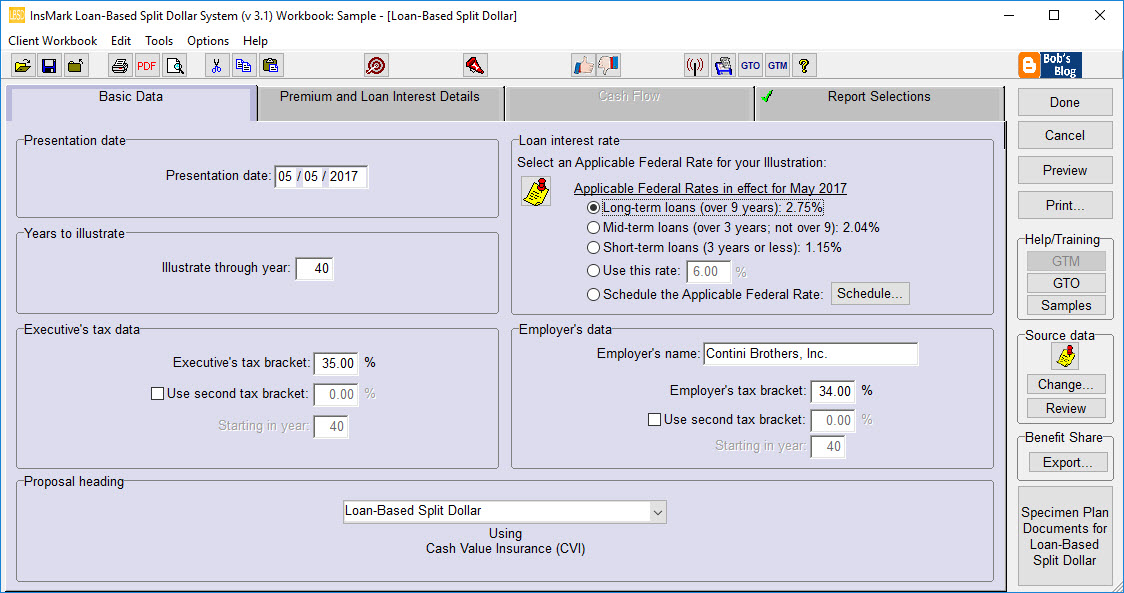
There are two variations of loan-based split dollar, and both are available as illustration modules in the InsMark Loan-Based Split Dollar System.
One variation is cast between employers and valued executives (referred to as the Loan-Based Split Dollar) and the other is cast between private parties (referred to as Loan-Based Private Split Dollar Plan). Both variations provide a new way to generate life insurance benefits and equity transfers and both are in compliance with the Final Split Dollar Regulations.
 Licensing Fee:$1,299.00Required Maintenance Fee:$69.00 /month
Your System comes with Snap-Ons. Snap-Ons enable the instant transfer of policy data from your company's illustration software to this InsMark System.
Cast between Employers and Executives
- Complies with the Final Split Dollar Regulations issued in September 2003.
- Illustration data is obtained through an electronic link to insurance company’s illustration systems via InsMark’s proprietary Button File technology.
- Illustrates new equity-type plans as well as the conversion of in-force equity split dollar plans (including the conversion of prior Employer split dollar advances to loans).
- Illustrates loans from Employer to covered Executive for policy premiums.
- Illustrates long-term loans (more than 9 years).
Note: Upon specific approval from the licensed insurance company, LB-SD can be configured to illustrate demand loans. - Will not produce an illustration dated in any month in which the user has not first visited InsMark’s website to download the Applicable Federal Rates in effect for that month.
- Illustrates loan interest at least at the Applicable Federal Rate established under IRC Sections 7872 and 1274(d).
Note: Use of interest-bearing loans (as opposed to interest-free loans) eliminates any impact from the Original Issue Discount (OID) rules of IRC Sections 1271-1275. When applicable, these rules require the Executive to include in income the difference between the face amount of each loan from the Employer and the present value of that loan discounted at the Applicable Federal Rate. Frequently, this can result in taxable income equal to 60% to 70% of each loan. - Can illustrate a single loan to the Executive placed in a Premium Reserve Account to be used to “feed” a policy with sufficient annual premiums to avoid MEC classification. This allows a favorable long-term Applicable Federal Rate to be locked down for the term of the loan.
Note: The Premium Reserve Account can be illustrated as a taxable or tax exempt account or a period-certain single premium immediate annuity -- with the latter generating an additional sale.
- Can illustrate a single loan to the trust placed in a Premium Reserve Account to be used to “feed” a policy with sufficient annual premiums to avoid MEC classification. This allows a long-term Applicable Federal Rate to be locked down for the term of the loan.
Note: The Premium Reserve Account can be illustrated as a taxable or tax exempt account or a period-certain single premium immediate annuity – with the latter generating an additional sale - Illustrations are accompanied by a multi-page Preface that is illustration-specific in its details.
- Presents numerical data in Summary and Lender/Trust-specific formats.
- Special numerical columns in the LB-PSD reports can be included that illustrate additional policy loans funding loan interest payments or loan repayments.
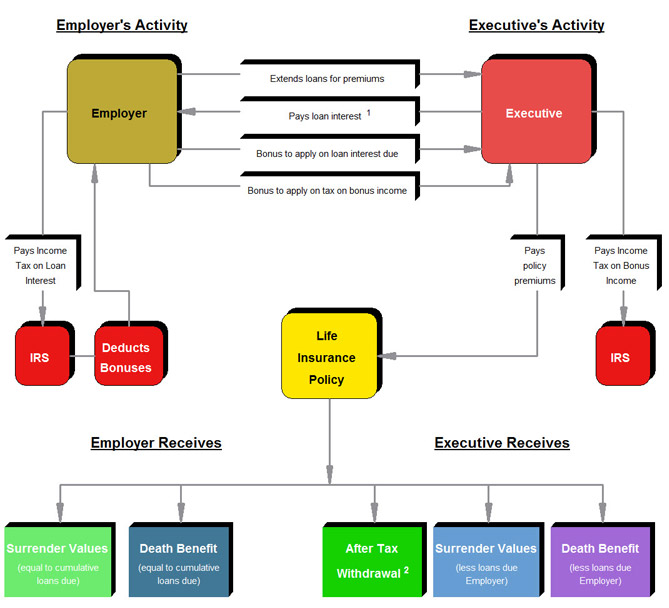
- Contains InsMark’s unique InsScribe® System which automatically generates illustration-specific Flow Charts and Graphs.
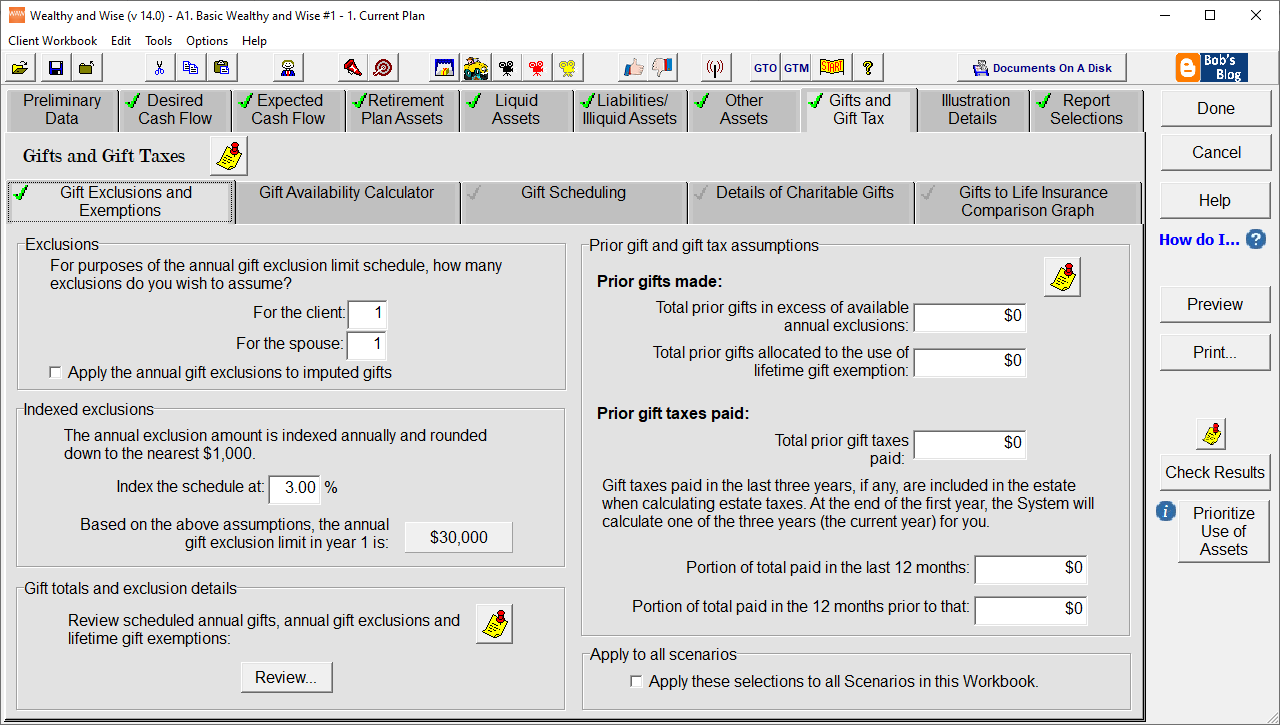
- Summarizes the effect on the parent’s overall gifting limits.
- Includes a comprehensive PowerPoint show useful for producer and adviser education.
- Includes a comprehensive electronic Guide to Marketing.
- Includes significant specimen documents.
Note: A high-end sister product to the InsMark Loan-Based Split Dollar System is the separately licensed InsMark Loan-Based Deferred Compensation System (cast between Employers and Executives) using loan-based split dollar principles in which the covered Executive uses a compensation adjustment to provide the Employer with all (or part of) the funds that the Employer loans to the Executive. The results are dramatic in that ordinary pre-retirement employment income is traded for tax free retirement income through policy loans. In addition, a severance arrangement is included in the illustrations showing a repayment of the compensation adjustment taken by the Executive in the event of termination of employment, retirement, or death. Specimen severance agreements are included as part of plan documentation including a version for executives of tax exempt organizations designed to comply with provisions of IRC Sec. 457(f) regarding constructive receipt. Other than this additional capacity, the illustration, documentation, and marketing support aspects of Loan-Based Deferred Compensation are similar to Loan-Based Split Dollar.
Private Loan-Based Split Dollar Cast Between Parents and Irrevocable Trusts
Cast Between Parents and Irrevocable Trusts
- Complies with the Final Split Dollar Regulations issued in September 2003
- Obtains its data through an electronic link to insurance company’s illustration systems via InsMark’s exclusive Button File.
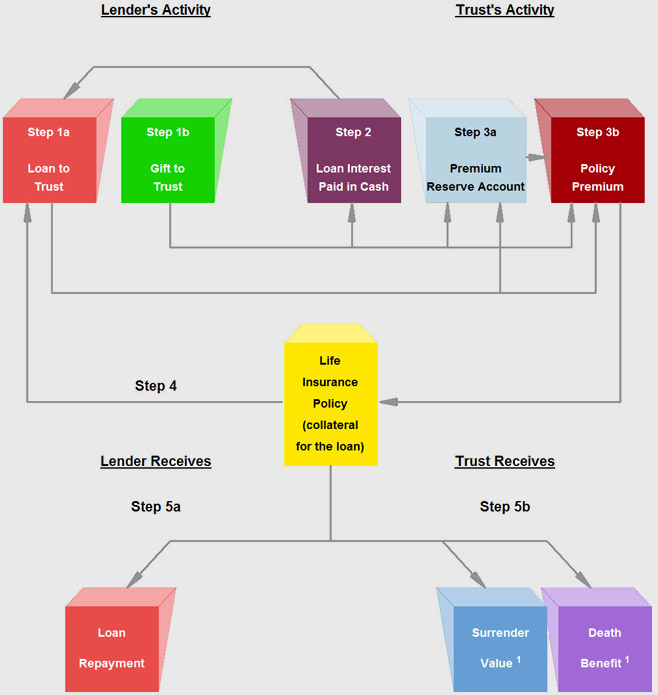
- Illustrates loans for policy premiums from parent (typically) to an “intentionally defective” irrevocable life insurance trust.
- Gifts to the trust are scheduled to offset any loan interest due by the trust.
Note: The lender is assumed to be the grantor of the trust and, due to grantor trust rules, there is no income tax due by the lender on such loan interest received, i.e., the Lender and the trust are a single income tax entity. (IRC Section 671 and 675, IRS Reg. 1.671-2(c) and Rev. Rul. 85-13.) Thus, if gifts for loan interest are made, they are returned at once as non-taxable loan interest. - Can illustrate accrued loan interest. This is particularly valuable if gifts needed for loan interest exceed the amount of available annual gift exclusions and/or lifetime gift exemptions.
Illustrates long-term loans (more than 9 years).
Note: As discussed in the report, upon specific approval from the licensed insurance company, the illustration module can be configured to interest bearing demand loans. - Will not produce an illustration dated in any month in which the user has not first visited InsMark’s website to download the Applicable Federal Rates in effect for that month.
- Illustrates loan interest at least at the Applicable Federal Rate established under IRC Sections 7872 and 1274(d).
Note: Use of interest-bearing loans (as opposed to interest-free loans) eliminates any impact from the Original Issue Discount (“OID”) rules of IRC Sections 1271-1275. When applicable, these rules produce a gift of future interest to the trust of the difference between the face amount of each loan and the present value of that loan discounted at the Applicable Federal Rate. Frequently, this can result in loss of a portion of the lifetime gift exemption equal to 60% to 70% of each loan. In large cases, it can trigger gift taxes.
Note: The policy involved in estate planning transactions between parents and a trust is typically a survivor life policy. One serious shortfall of a survivor life policy subject to a split dollar arrangement is soaring economic benefit rates at advanced ages -- particularly after one of the insureds dies. The Applicable Federal Rate is unaffected by this condition.
- Can illustrate bonuses from Employer to Executive to provide funds for loan interest using a single bonus, gross-up bonus, or design-your-own bonus. LB-SD alternatively can illustrate some (or all) loan interest due the Employer paid by policy loan. LB-SD can also illustrate repayment of the Employer’s loans from policy loans. The user can designate any combination of these features.
Note: Even if offset by a bonus, so long as loan interest due to the Employer is actually paid by the Executive (not deemed paid as is the case with a below-market loan), deemed dividend distributions are avoided for a participating Shareholder-Executive. - Illustrations are accompanied by a multi-page Preface that is illustration-specific in its details.
- Presents numerical data in Summary and Employer/Executive-specific formats.
- Special numerical columns in the reports can be included that illustrate policy loans funding retirement income for the Executive.
- Contains InsMark’s unique InsScribe® System which automatically generates illustration-specific Flow Charts and Graphs.
- Illustrates Employer’s year-by-year cumulative Charge to Earnings.
- Includes a comprehensive PowerPoint show useful for producer and adviser education.
- Includes a comprehensive electronic Guide to Marketing.
- Includes significant specimen documents including promissory notes and collateral assignments both of which contain reassignment provisions should the Employer wish to obtain loans from another source (e.g., a bank) to fund the plan.
- Blocks the illustration of a modified endowment contract as a MEC securing a loan produces taxable income to the policy owner to the extent of any gain in the policy (realized or unrealized).
-
Cloud-Based Documents On A Disk
Cloud-Based Documents On A Disk™ (DOD) will help you prospect for new customers AND sell bigger cases to existing clients.
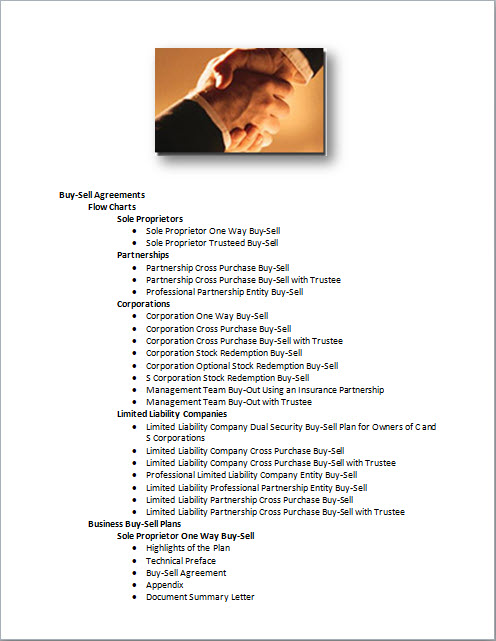
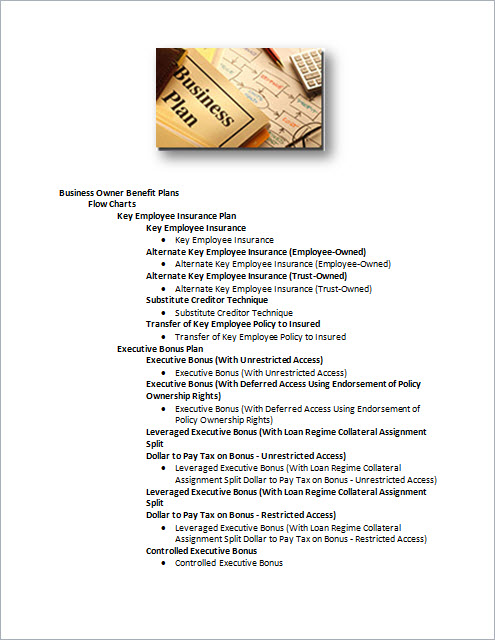
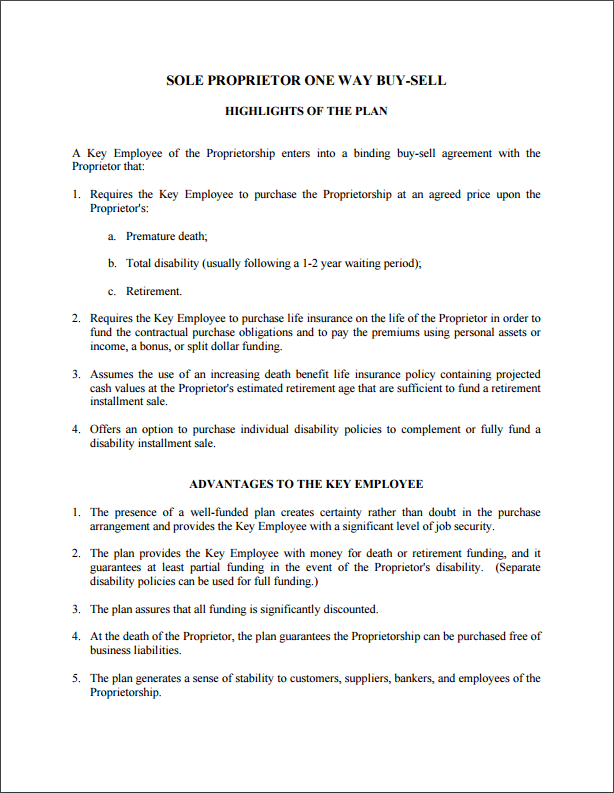
DOD is the financial industry's most extensive specimen documentation system! There’s simply no other product like it. DOD contains well over 1,500 specimen documents organized in 233 document sets including 68 Flow Charts. DOD includes every buy-sell, COLI, split dollar, estate, charitable, and trust document imaginable along with document sets supporting new, powerful planning concepts that only a tiny percentage of the financial community understand.
Read about Richard C. Baier, JD, CLU, ChFC, FLMI, the author of the specimen documents in DOD.
 Licensing Fee:$399.00Required Maintenance Fee:$12.95 /month
Your System comes with Hitchhiker®, a customized web app (with your contact information), containing an overview of the legal documents in your Documents On A Disk library. This website can be shared with other financial advisors who can read the overviews and submit a request to you for the corresponding documents in DOD. This creates a relationship between you and the financial advisors to develop joint opportunities.
Documents On A Disk (Home Page)

You also get your own Hitchhiker App:
The Hitchhiker App can help you with prospecting for new customers. How? The Hitchhiker App allows you to create your own customized document library website for use by other financial advisors (CPA's, attorneys). More importantly, this website is designed so the financial advisors that use it must come back to you to get the full set of plan implementation documents (providing the perfect opportunity for you to suggest your product line for use with their clients).

List of Documents
Sample Output
-
Power Producer® Platinum
This is InsMark's most powerful group of them all -- this advanced group of Power Producers gets most of our products and services.
In addition to the illustration systems listed to the right, Power Producer Platinum also includes the following:
- Unlimited Linked Carrier Snap-Ons
- Free technical support during InsMark's normal business hours
- Free updates and enhancements during the term of the license agreement
Power Producer® PlatinumPlatinumLicensing Fee:$4,995.00Required Maintenance Fee:$325.00 /month -
Power Producer® Gold
This is InsMark’s Gold level Power Producer group.
In addition to the illustration systems listed to the right, Power Producer Gold also includes the following:
- Unlimited Linked Carrier Snap-Ons
- Free technical support during InsMark's normal business hours
- Free updates and enhancements during the term of the license agreement
Power Producer® GoldGoldLicensing Fee:$3,795.00Required Maintenance Fee:$160.00 /month1 x InsMark Illustration System
1 x Life Plan
1 x Wealthy and Wise+
1 x Cloud-Based Documents On A Disk
1 x +Your choice of:
- Loan-Based Split Dollar
- Premium Financing
- Leveraged Compensation
-
-
Robert B. Ritter, Jr.
President, CEO, and Founder
InsMark, Inc.

Bob Ritter was in life insurance sales and sales management for over five decades. He started with Mass Mutual in northern New Jersey. At age 26, he was appointed General Agent by Mass Mutual in Oakland, California — the youngest General Agent ever appointed. Three years later, he took over a New York City agency for Mass Mutual. He twice received the National Manpower Award, the company’s most prestigious award for developing sales leaders.
In the early 1980s, Bob formed InsMark, a company dedicated to producing transferable marketing techniques for a wider group of producers. The success of InsMark has been phenomenal as 100+ companies have sponsored InsMark products utilized by over 30,000 producers. He guided his business career based on the following premise:
Success isn’t just about what you accomplish in your life,
it’s about what you inspire others to do.He was a life member of MDRT and was a qualifier for Top of the Table and International Forum until the growth of InsMark required all of his time. A dynamic and entertaining speaker, he spoke at hundreds of industry seminars and conventions and was featured at several MDRT, Top of the Table, and International Forum meetings.
He was a member of the MDRT Foundation’s Board of Directors and a member of the Split Dollar Sub-Task Force of the Association of Advanced Life Underwriters (AALU) during the lead-up to the Final Split Dollar Regulations issued in 2003. He was also the Founder and Past President of the Diablo Advocates dedicated to youth opportunities.
He graduated from The Lawrenceville School and Williams College. While at Williams, he also played lead cornet in the first college jazz band ever to play in Carnegie Hall. Called the Spring Street Stompers, this Dixieland jazz group won the Arthur Godfrey Talent Scout show on CBS (#1 in the ratings at the time), appeared on the Tonight Show on NBC, and frequently played at the top jazz clubs in Boston and New York.
-
FAQs
InsMark Installation Utility
Click this link to download and launch the InsMark Installation Utility
How do I Export InsMark Workbooks?
The following are the steps to export an InsMark workbook. This is useful for sharing a Workbook with InsMark's Support Department, or perhaps another InsMark licensee.
STEP 1: Select "Client Workbook" from your System's menu bar at the top of the screen, then select "Export Workbook”.
STEP 2: On the Export Workbook window you will see a list of available workbooks on the left side and your selected workbooks will display on the right. Move the workbooks that you want to export to the right side. When done, click the "OK” button.
STEP 3: Save the workbook file to your Desktop or a folder of your choice so that you can locate it. Next, if you plan to email it, attach this file to an email.
What are the system requirements for the Illustration Systems?
The following are the system requirements that apply to all hard-disk based InsMark Illustration Systems:
- If you are running Windows, you should be able to run any of our software since the requirements to run Windows are more than adequate to run our products.
- Computer/Processor: Windows compatible PC.
- Internet Access: Ability to access and/or download files from our website during installation and thereafter to obtain updates.
- Operating System: Windows7, Windows 8, Windows 10; Supports both 32- and 64-bit Versions.
- Hard Disk: At least 700 MB of available hard disk space.
- Drive: CD-ROM drive if CD installation is used.
- Peripherals: Mouse.
- Printer: Windows-compatible printer.
NOTE: If you are on an Apple/Mac environment, you will need to download a Windows environment for the Mac. Please contact Apple Support for assistance with this. You may also be able to use the Cloud versions of our products.
When Installing, what do I enter for the Licensed User's name?
The licensed user is the agent who is licensed to use the system. This is also the name that appears on all of the reports printed from the system. If you are running or installing the system for an agent, enter the agent's name, not yours.
My system indicates it is expired, what do I do?
If you are unable to run your InsMark System(s) and it indicates that your System(s) has expired, try this:
- Click here to Download and Run the Installation Utility.
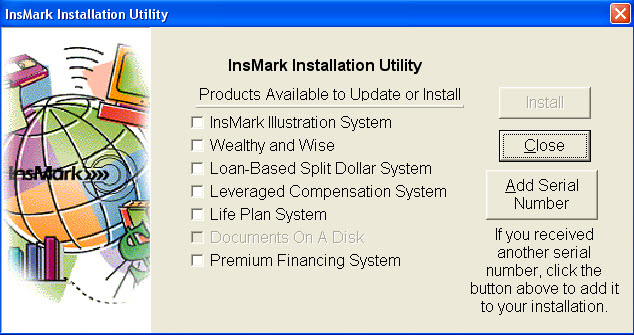
- You will arrive at the screen below. At this point, the program has installed any updates to your system activation.
- If any of the boxes on your screen have checkmarks, click the Install button and update those Systems.
- If you do not have any checkmarks, click Close to exit the program.
- Try running your system again. If it still shows that it has expired, please call our Support Team at 925-543-0507.
How Do I Import InsMark Workbooks?
You can import a workbook by double-clicking the previously exported file in Windows Explorer. Or, from in the System, you can follow these steps:
- STEP 1: Select "Client Workbook" from your System's menu bar at the top of the screen, then select "Import Workbook”.
- STEP 2: You will be at the "Import Workbook File" window. Locate the file you wish to import and click on the Import File button.
- STEP 3: Select the workbook(s) you wish to import. A list of all client workbooks in the file will default to selected and displayed in the "Selected workbooks" list. If you do not wish to import all of the workbooks, click on the workbooks you do not wish to import and click the <Remove button to move them to the "Available workbooks" list. Click OK.
- STEP 4: You will be prompted for a workbook description. Click OK.
Can I run your software on an Apple Mac?
We currently have hundreds of users who use InsMark on a Mac.
While our software is not programmed to be a native Mac application, InsMark software will run with the help of a third-party app that simulates a Windows environment. We recommend using Parallel Desktop. Additionally, we are currently working on a web-based version of our software. Once completed, you will be able to access InsMark through Safari.
I can't print to PDF. What should I do?
Step 1: Uninstall InsMark PDF Creator
For Windows 10
-
Select the Windows Start button, then select Settings > Apps.
-
Select "InsMark PDF Creator", and then select Uninstall.
-
Follow prompts to complete uninstall.
For Windows 7
-
Select the Windows Start button, then select Control Panel in the right pane.
-
In Control Panel, select "Uninstall a Program" under Programs.
-
Select "InsMark PDF Creator", and then select Uninstall.
-
Follow prompts to complete uninstall.
Step 2: Restart/Reboot your computer
After the InsMark PDF Creator has been removed, close out all programs (making sure to save anything being worked on) and restart the computer.
Step 3: Download and run InsMark PDF Creator Installer
After the computer restarts, click on the following link to download and install the InsMark PDF Creator.
-
Downloads
InsMark Installation Utility
Click this link to download and launch the InsMark Installation Utility
-
Wealthy and Wise: Sample Presentations
Good Logic vs. Bad Logic
Click here if you would like to review an interview with InsMark’s President, Bob Ritter, regarding Good Logic vs. Bad Logic which discusses this Case Study in more detail.
Simon and Ann Scott, age 55 and 50, plan to retire in 10 years.
They have the following liquid assets:
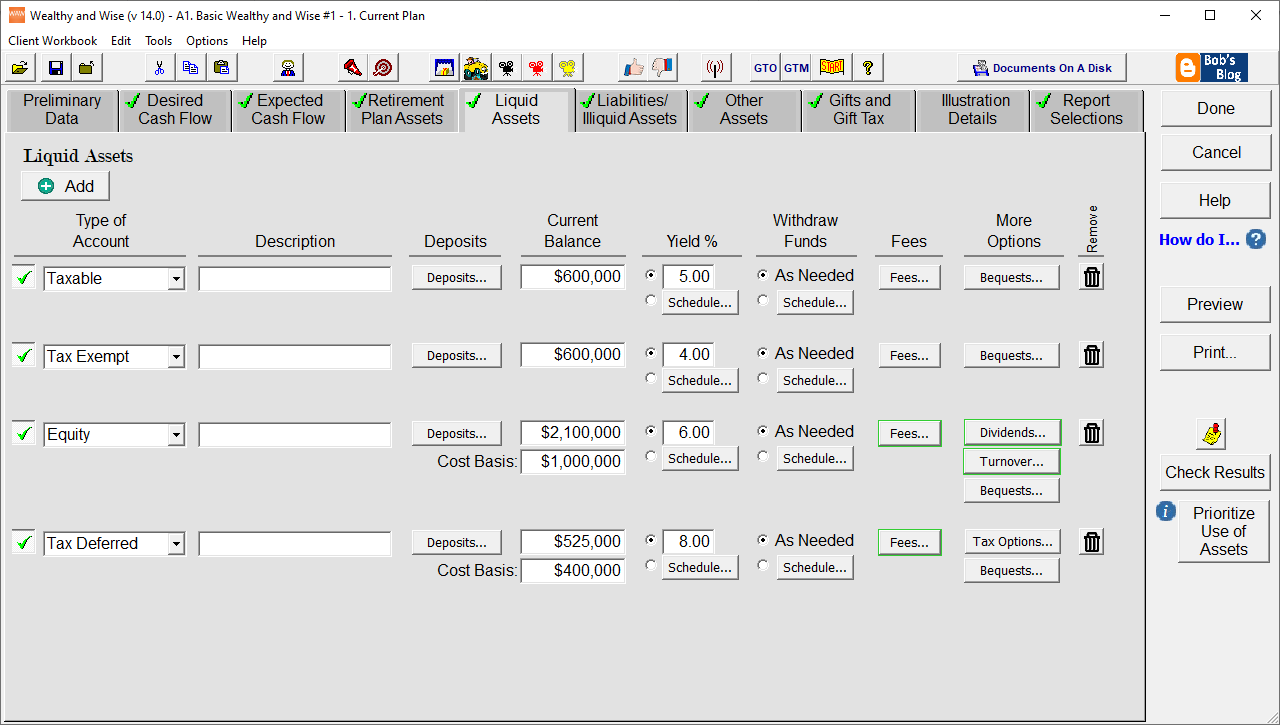
$ 500,000 Simon’s IRA assumed yield: 8.00% $ 500,000 Ann's IRA assumed yield: 8.00% $ 3,500,000 Mutual Funds assumed yield: 7.00% growth; 1% dividend cost basis: $2,000,000 $ 1,000,000 Tax exempt Account assumed yield: 3.50% $ 1,000,000 Certificate of Deposit assumed yield: 4.00% $ 6,500,000 Total (plus $900,000 in home value & personal property) Assume Simon and Ann want $300,000 a year in after tax retirement cash flow -- compounding annually by 3.00% as an inflation offset. Imagine that it is the first day of their retirement. They need to withdraw $25,000 from their assets ($300,000/12). From which account should they take it -- and does it make any difference? It makes a huge difference!
Scenario 1 – Bad Logic: Let’s first have them access their liquid assets for the cash flow in the order listed above. Their assets can support this level of cash flow, but see the graphic on the bottom of the Analysis of After Tax Cash Flow Requirements report (page 3) for what happens to their long-range hypothetical net worth (for obvious reasons, we call this result Bad Logic).
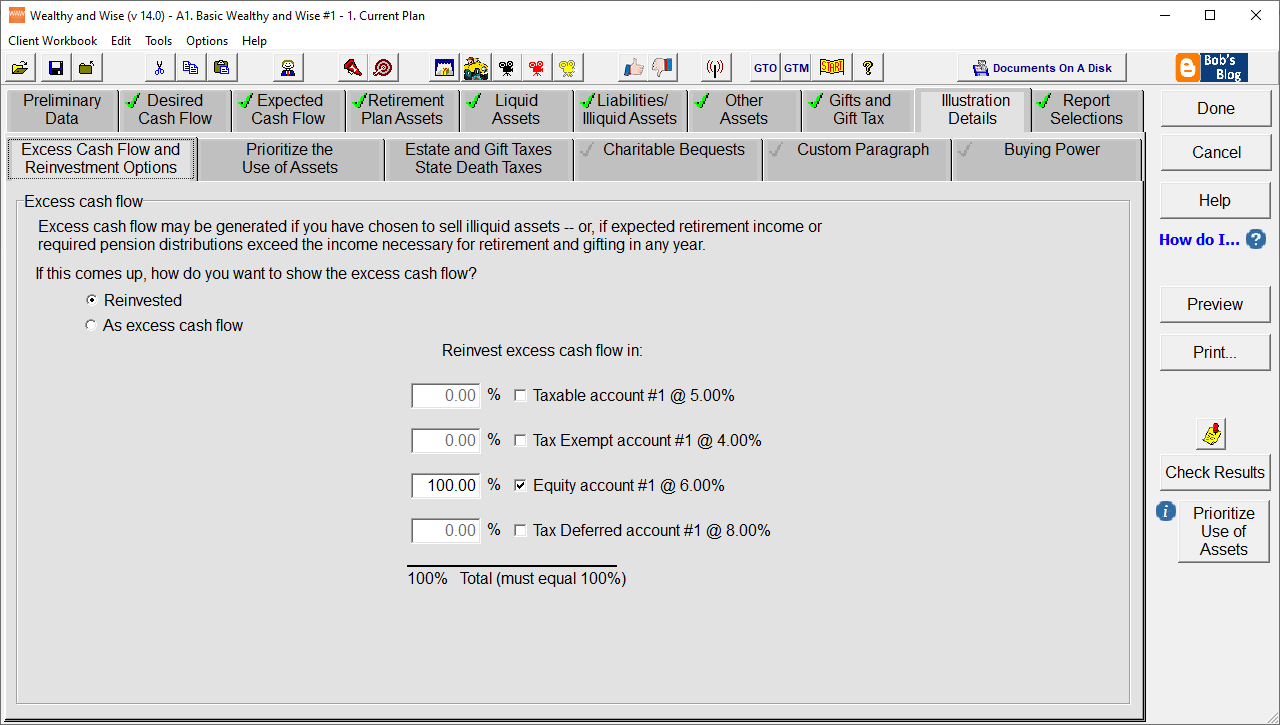
Scenario 2 – Good Logic: The order in which liquid assets are accessed for cash flow should be prioritized in order to produce the highest possible long-range Net Worth. This is generally the most overlooked aspect of wealth planning – even by the most sophisticated Monte Carlo simulations -- due to the complex coding required. See the graphic on the bottom of the Analysis of After Tax Cash Flow Requirements report (page 3) for what happens to their long-range hypothetical net worth when the feature, Maximize Net Worth, is used.
Note: This is not the time for a Monte Carlo simulation for those who like to use that tool. Once an overall plan is designed, then an asset-by-asset Monte Carlo analysis may make sense.
Comparison 1 – Bad Logic vs. Good Logic: To see the two graphs superimposed on one another, see the Comparative Graph on page 1 of this Comparison.
Scenario 3 – Good Logic + Tax Planning: With over $12.5 million more in Net Worth, some interesting tax planning becomes available. This Scenario shows the Scotts converting both their IRAs to Roth IRAs with the income tax on the conversion withdrawn from their assets -- plus the addition of a W.R.T. that is funded with $2 million of survivor life insurance covering both Simon and Ann.
Comparison 2 – Compares best to worst: To quickly see just how important this plan is to the Scotts, view the Comparative Analysis Graph on page 3.
Comparison 3 – Compares all three plans: Here is a quick look at the long-range results of all three plans: Bad Logic vs. Good Logic vs. Good Logic + Roth IRAs + W.R.T. Again, review the Comparative Analysis Graph on page 3 -- there is likely no more dramatic graphic anywhere in the world of wealth planning.
-
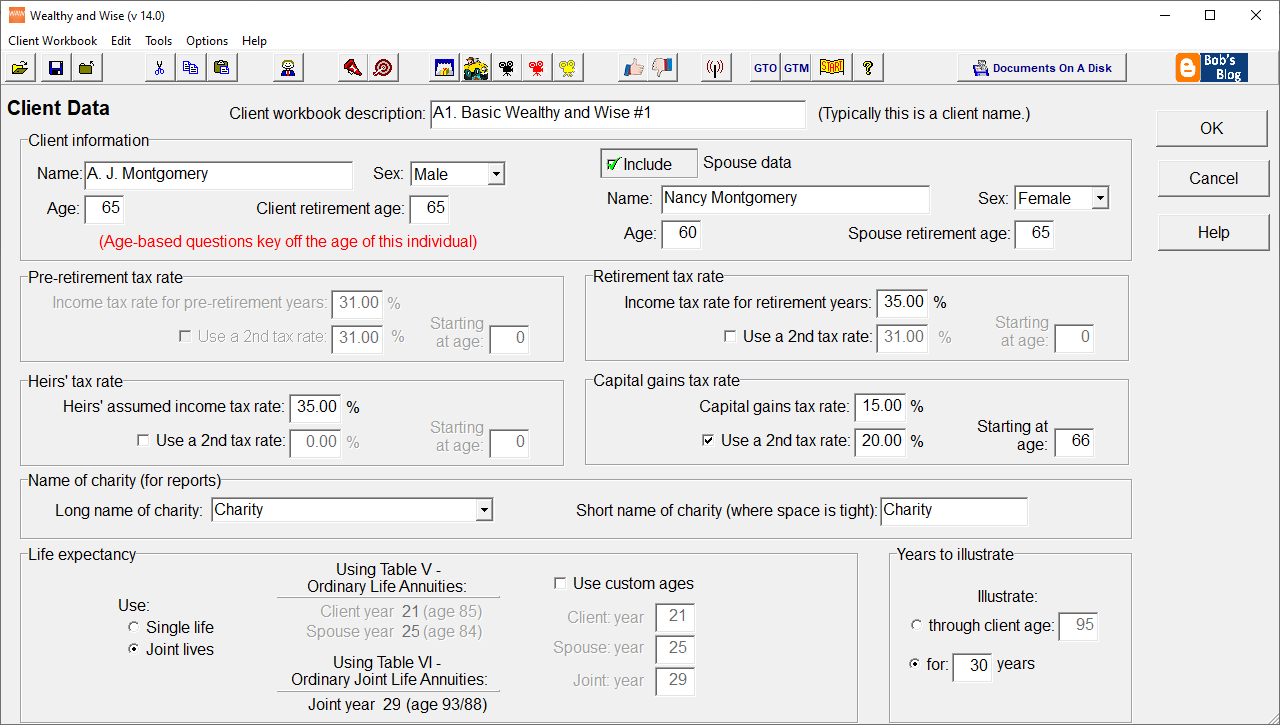
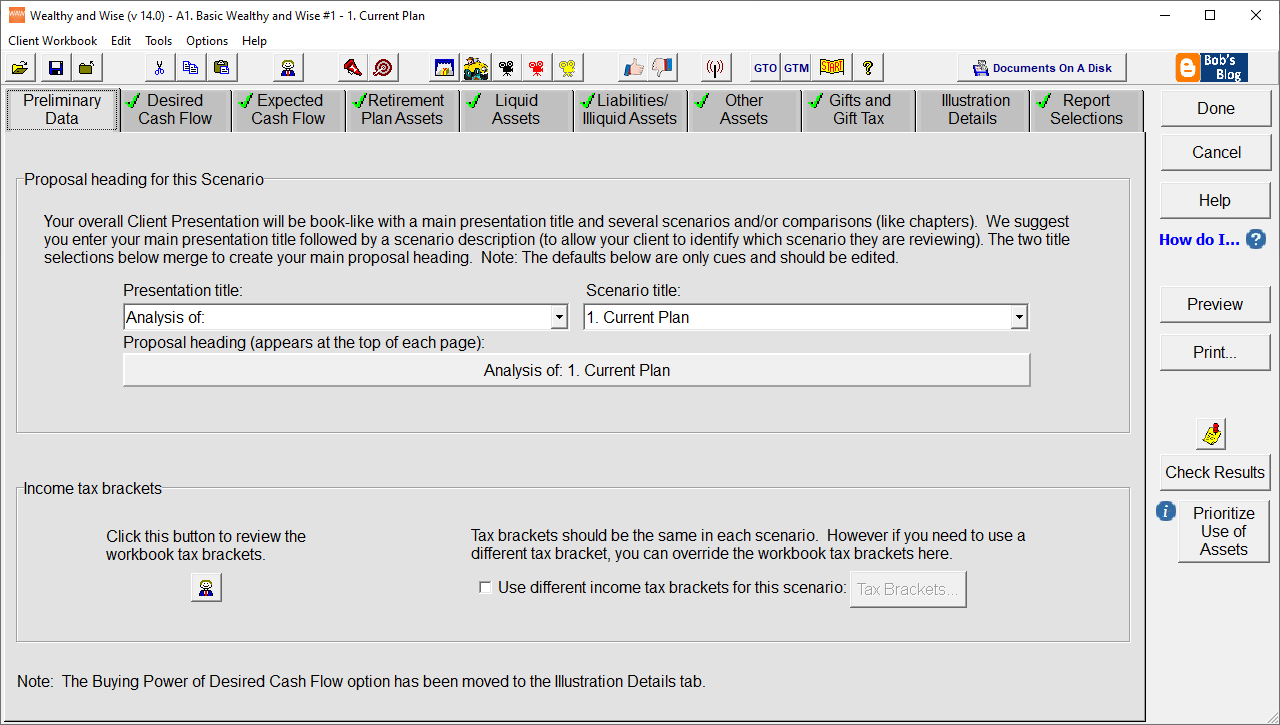
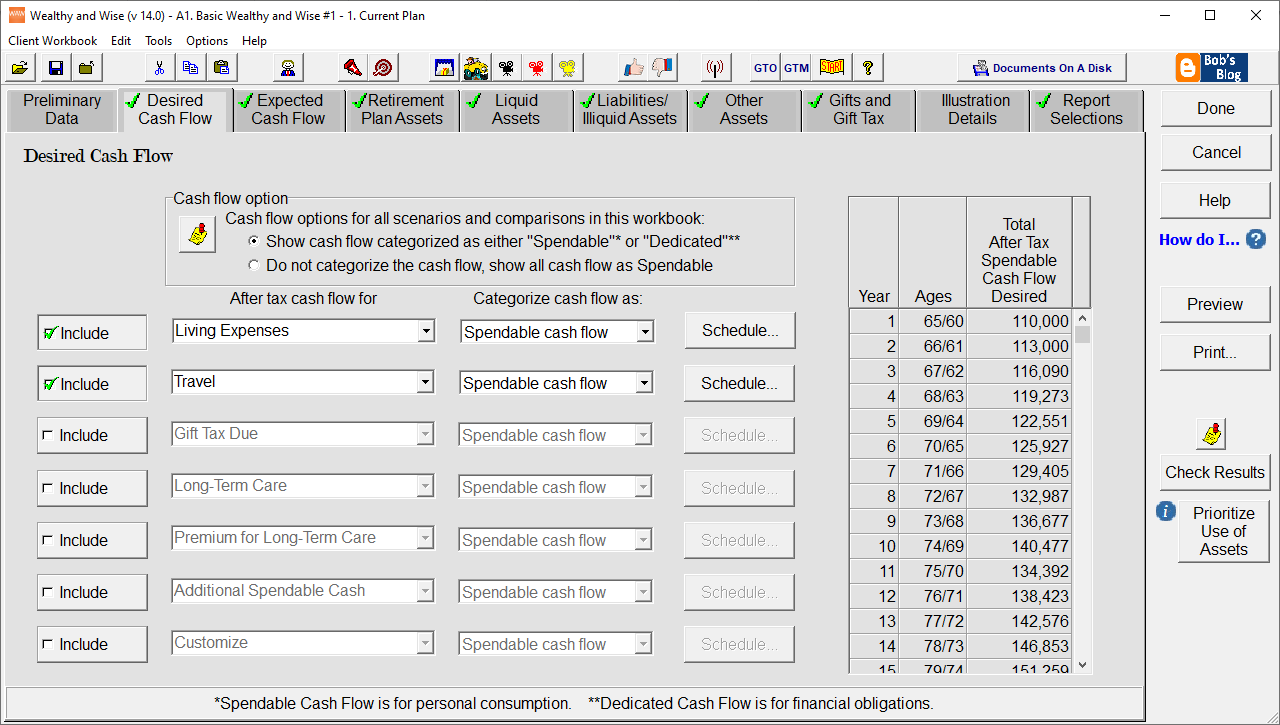
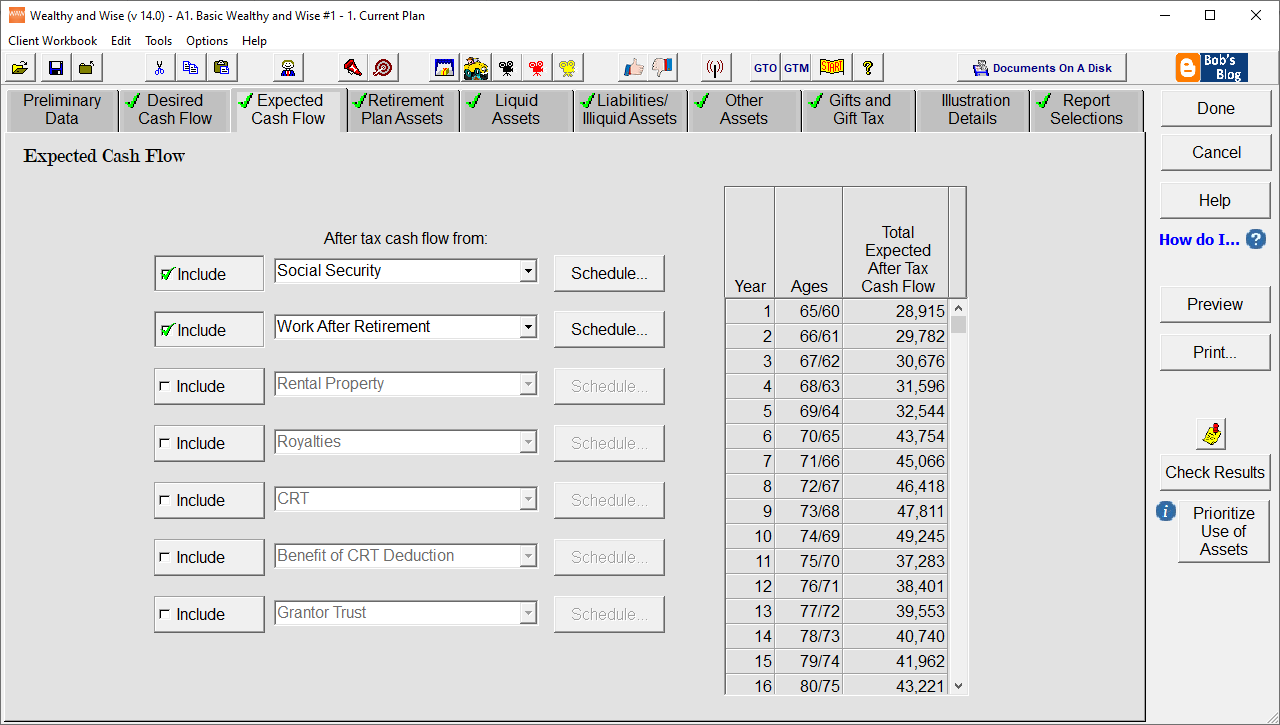
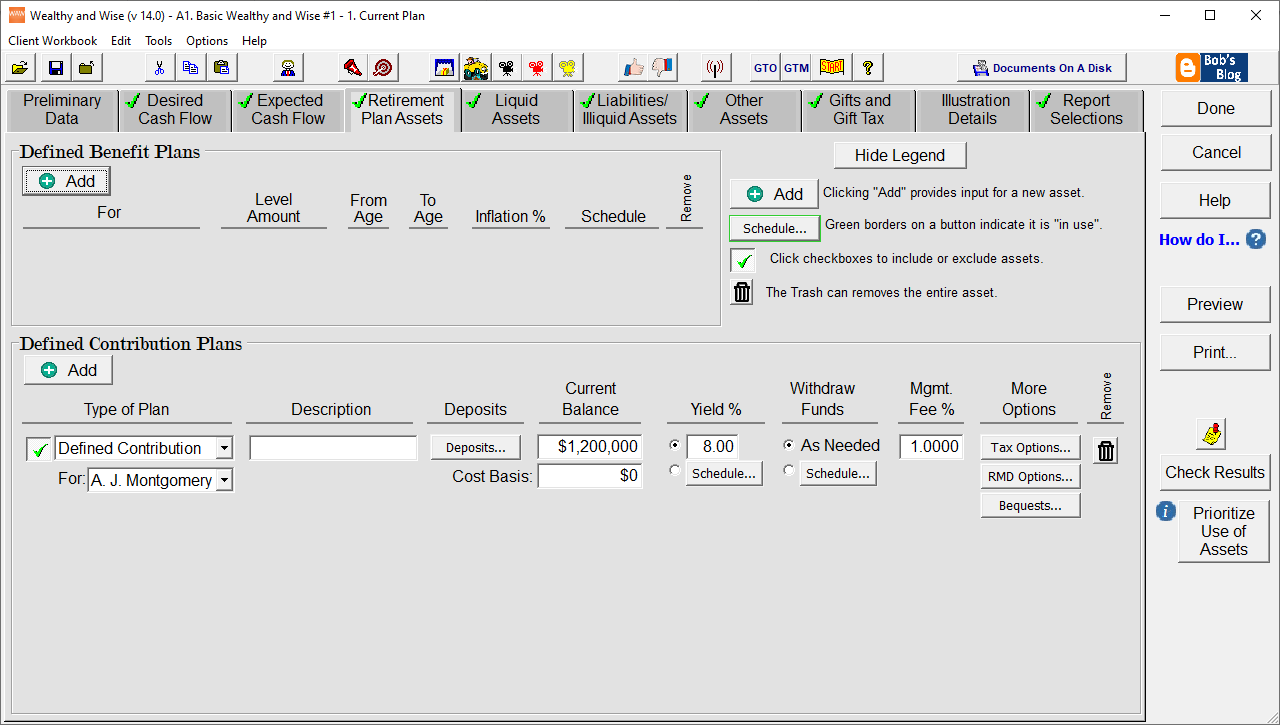
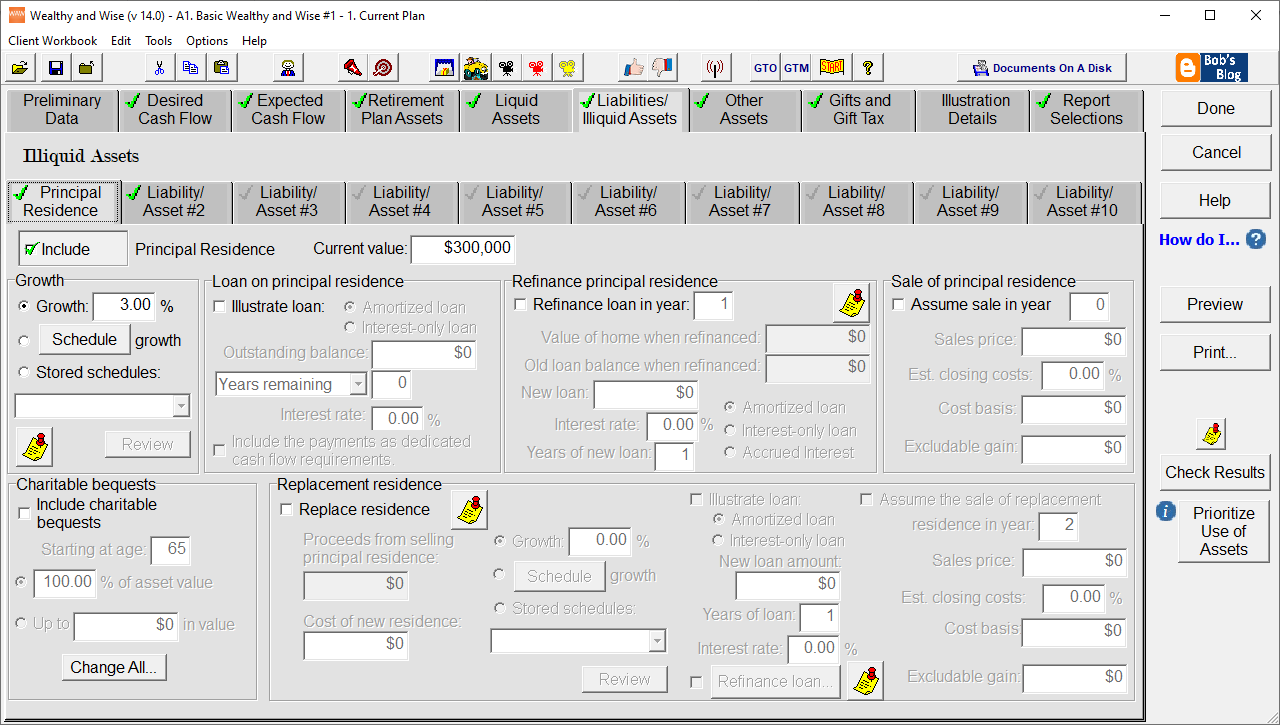
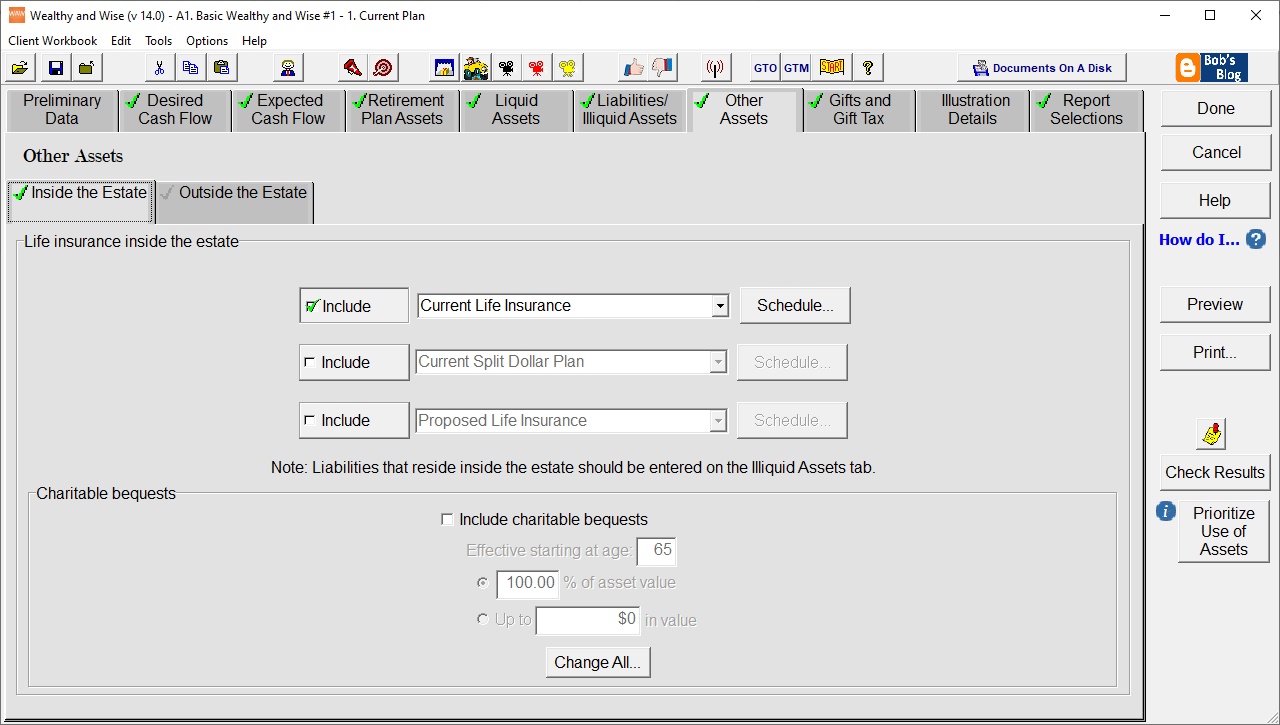
Wealthy and Wise - Sample Input